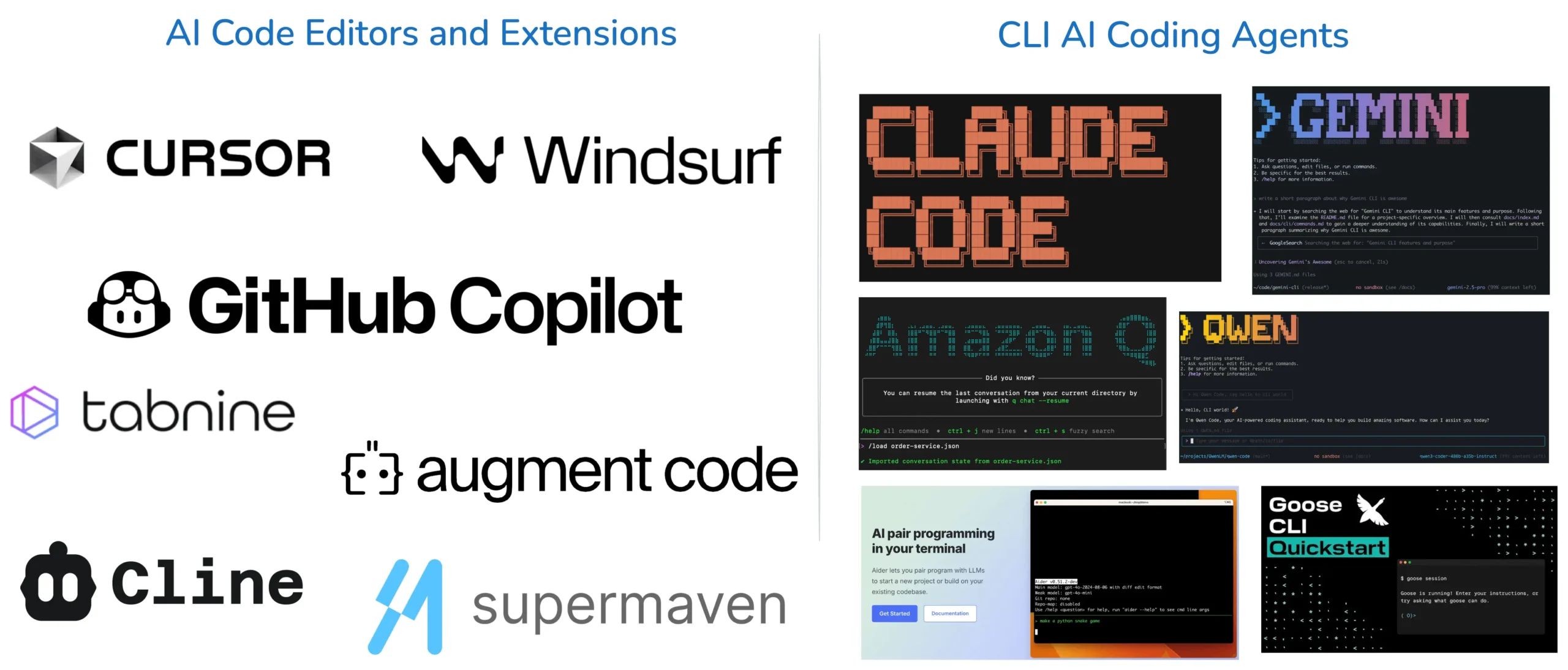
If you have tried using AI to write code recently, you have probably noticed that choosing a coding tool has become almost as difficult as choosing a programming language.
There are AI assistants built into code editors, coding agents that can work through larger development tasks, chat-based tools that help with debugging and explanations, and browser-based platforms designed to make programming easier for beginners.
The problem is that they don’t all do the same thing.
One tool might be excellent at understanding a large codebase, while another is better for autocomplete. One may be particularly useful for debugging, while another makes it easier to build and test an idea without setting up a local development environment.
So, which AI coding tool should you actually use in 2026?
There isn’t one answer.
The better approach is to understand what each tool is designed to do and choose according to the type of work you need to accomplish.
Here are eight popular options worth knowing.
1. ChatGPT Codex — Best for Coding Tasks and Software Development
ChatGPT Codex is aimed at developers who want AI assistance with actual software development tasks rather than simply generating a few lines of code.
It can help with writing and modifying code, debugging, working through development tasks and handling repetitive programming work. It can also be useful when working with repositories and larger coding assignments.
That makes it particularly interesting for developers who want an AI agent that can participate in the development process.
For example, instead of asking an AI to write one function, you might give it a broader task involving several parts of an application and then review the changes it makes.
Best for: Developers who want AI assistance with broader coding and software-development tasks.
If what you really want is continuous autocomplete while typing, however, an IDE-focused tool such as GitHub Copilot may fit that particular workflow better.
2. Claude — Best for Code Reasoning and Debugging
Claude, developed by Anthropic, has become popular among developers who need help understanding complicated code and thinking through technical problems.
It can be useful for explaining unfamiliar code, debugging, reviewing changes, planning implementations, refactoring and working with large amounts of context.
This can be particularly valuable when the difficult part of a programming problem isn’t writing the syntax but understanding what the existing software is actually doing.
For instance, if you inherit an unfamiliar project with several interconnected components, an AI assistant that can help you reason through the structure can be more useful than one that simply produces another code snippet.
Best for: Code analysis, debugging, architectural thinking, refactoring and working through complicated programming problems.
3. Grok — Best for Quick Coding Questions and Current Technology Context
Grok, developed by xAI, can be useful when you need a quick programming explanation, troubleshooting help or coding example.
One potential advantage is its usefulness when your question involves recent technology developments, newly released libraries, frameworks or APIs.
That can matter because software development changes quickly. Documentation, APIs and recommended approaches can change, and information from older training data may not always reflect the current state of a technology.
Grok can also be useful for brainstorming possible technical solutions.
For large projects that require extensive repository management and multi-file development, however, a specialised coding environment or coding agent may provide a more focused workflow.
Best for: Quick programming questions, explanations, troubleshooting and situations where current technology information is useful.
4. GitHub Copilot — Best for Everyday Coding
GitHub Copilot takes a different approach from a traditional chatbot.
Instead of repeatedly leaving your development environment to ask questions, Copilot brings AI assistance directly into supported coding environments.
It can suggest code as you work, generate functions, help explain existing code, suggest fixes and reduce the amount of repetitive programming you have to write manually.
This makes it particularly convenient for developers who already have an established IDE-based workflow.
Imagine you’re writing a function and know what you want it to do but don’t want to type the repetitive implementation yourself. An inline AI suggestion can save time without forcing you to switch between applications.
There is still an important limitation: generated suggestions can be wrong.
You should review and test AI-generated code rather than accepting every suggestion automatically.
Best for: Developers who want AI assistance integrated directly into everyday coding.
5. Cursor — Best for AI-Assisted Development
Cursor is an AI-focused code editor built around the idea that AI should understand more of your development environment rather than simply generate isolated snippets.
It can help developers work with their projects using natural-language instructions, understand code, modify files, refactor components and troubleshoot problems.
One of its attractions is the ability to work across multiple files.
That’s important because real software rarely consists of one independent piece of code. Changing one component can affect another, and understanding those relationships is part of what makes software development difficult.
Cursor’s workflow may take some adjustment if you’re already comfortable with another IDE, but developers interested in an AI-centred development environment may find it worth exploring.
Best for: Developers who want AI deeply integrated into a project-level coding environment.
6. Google Gemini — Best for Developers Working With Google Technologies
Google Gemini can assist with programming, debugging, technical explanations, documentation and development-related research.
Its ecosystem can be particularly relevant to developers working with Google technologies, including Google Cloud and Android. The source material also highlights its usefulness for large amounts of information and multimodal tasks.
This doesn’t automatically make Gemini the best coding tool for every developer.
Your development environment and the technologies you use should determine whether its particular strengths are relevant to you.
Someone heavily invested in Google’s ecosystem may have different reasons for choosing Gemini than a developer working primarily with a different stack.
Best for: Developers working with Google technologies, cloud development and technical workflows that benefit from Google’s broader ecosystem.
7. Replit — Best for Beginners and Browser-Based Development
Replit is one of the more interesting options for people who are still learning how to code.
One reason is that you can write and run code from a browser without first spending a lot of time configuring a local development environment.
Its AI features can also help with generating code, understanding errors, making changes and experimenting with projects.
That makes it useful for beginners who want to move quickly from an idea to something they can actually run.
For example, someone learning JavaScript could experiment with a small web application without having to configure a complex development setup before writing their first lines of code.
It’s also useful for rapid prototyping.
You can test an idea, discover what works and then decide whether the project needs a more advanced development environment later.
Best for: Beginners, students, educators and developers who want to prototype projects quickly in a browser.
8. Aider — Best for Terminal-Based Development
Aider is aimed at developers who prefer working from the command line.
Rather than providing a primarily browser-based experience or a conventional AI chat interface, it is designed to work with existing codebases from a terminal-based workflow.
It can assist with code editing, Git-based workflows and development tasks while allowing developers to use different AI models.
This approach can be attractive to experienced developers who already spend much of their time in the terminal and want AI assistance without abandoning that workflow.
The downside is obvious for beginners: command-line development can have a steeper learning curve.
Best for: Experienced developers who prefer terminal-based and customisable development workflows.
Which AI coding tool should you choose?
The answer depends more on your workflow than on a ranking.
| What you want to do | Tool worth considering |
|---|---|
| Work through broader software-development tasks | ChatGPT Codex |
| Understand complicated code and debug | Claude |
| Get quick coding help and current technology context | Grok |
| Get AI assistance inside your coding environment | GitHub Copilot |
| Work with an AI-focused project environment | Cursor |
| Work heavily with Google technologies | Gemini |
| Learn and prototype in a browser | Replit |
| Use AI from the terminal | Aider |
These aren’t absolute rankings. They are starting points based on the strengths described above.
The best tool for you may also change as your skills and projects change.
A beginner experimenting with their first application may have very different requirements from a professional developer maintaining a large production codebase.
Do you need more than one AI coding tool?
Not necessarily.
Using several tools can make sense when each one has a specific role.
For example, you might use a coding agent for larger implementation tasks, another AI assistant for debugging and code review, and an IDE-based assistant for autocomplete while you work.
But there’s no prize for having the largest collection of AI subscriptions.
In fact, constantly moving between five different tools can make you less productive.
A smaller toolkit that you understand well is often more useful than a collection of applications that you barely know how to use.
Start with one tool that fits your current workflow. Add another only when you have a clear reason to do so.
Can AI coding tools replace programmers?
This is probably the question that concerns beginners the most.
AI can automate a significant amount of programming work, but that doesn’t mean software development has become a push-button process.
Generated code can contain bugs, security problems, incorrect assumptions or logic that doesn’t actually satisfy the original requirements.
Someone still needs to understand what the software is supposed to accomplish, define requirements, review the implementation, test it, investigate failures and make technical decisions.
That’s why learning programming fundamentals remains valuable.
You don’t necessarily need to memorise every syntax rule if AI can help you write code.
But you should understand enough programming to recognise when something looks wrong, understand the architecture of your application and determine whether the solution actually solves the problem.
The ability to evaluate AI-generated code may become just as important as the ability to generate it.
How to get better results from AI coding tools
The way you describe a programming task can have a major effect on the usefulness of the response.
Compare these two instructions:
Build me a website.
with something more specific:
Build this application using React. Keep the existing authentication system unchanged. Add a dashboard that displays the user’s monthly transactions. Use the existing API endpoint, make the layout responsive, and explain which files you changed. Include testing steps for the new functionality.
The second instruction gives the AI considerably more useful information.
When working with a coding assistant, provide relevant context about:
- The technology you’re using
- The existing code
- The problem you’re trying to solve
- What needs to change
- What must remain unchanged
- Technical constraints
- Expected behaviour
- Testing requirements
You can also ask the tool to explain important changes and identify potential problems.
But there is one step you should never skip:
Test the code.
Code that looks convincing can still be broken.
AI can dramatically reduce the time required to produce software, but speed of generation isn’t the same thing as software quality.
What is changing about software development in 2026?
AI coding is moving beyond simple autocomplete and isolated code generation.
Modern AI development tools are increasingly being used for tasks such as understanding repositories, modifying multiple files, investigating errors, running tests and working through larger development assignments.
That changes what developers need to learn.
The important question is no longer simply:
“Should I use AI?”
For many developers, the more useful questions are:
When should I use it?
What context should I give it?
How do I know when its answer is wrong?
How do I test what it produces?
A developer who understands the technology and knows how to use AI effectively can potentially accomplish more than someone who treats AI as a replacement for understanding the underlying system.
Frequently Asked Questions
What is the best AI coding tool in 2026?
There is no universally best tool. ChatGPT Codex, Claude, Grok, GitHub Copilot, Cursor, Gemini, Replit and Aider have different strengths and support different workflows.
Is GitHub Copilot better than ChatGPT Codex?
It depends on what you’re doing. GitHub Copilot is particularly suited to AI assistance inside a coding environment, while Codex is aimed more broadly at coding and software-development tasks.
Which AI coding tool is best for beginners?
Replit can be a good starting point because it provides a browser-based development environment. Beginners can also use general AI assistants to learn programming concepts and understand errors.
Is Cursor better than GitHub Copilot?
Neither is universally better. Cursor is built around an AI-powered coding environment and project-level workflow, while GitHub Copilot focuses on integrating AI assistance into development environments.
Can AI replace programmers?
AI can automate many programming tasks, but software still requires people to define requirements, make architectural decisions, review code, test systems, handle security concerns and determine whether the finished product actually works.
Are AI coding tools worth learning in 2026?
Yes, particularly if you’re learning software development or already work as a developer. But don’t make the mistake of learning only how to prompt an AI.
Build programming fundamentals alongside your AI skills.
The more you understand about software, the better equipped you are to recognise a bad solution, improve an acceptable one and turn an AI-generated starting point into something that actually works.
—————————
You don’t need to use every AI coding tool available.
You don’t even need the tool that happens to be the most popular this month.
Start with the problem you’re trying to solve.
If you want an AI agent for broader development tasks, consider Codex. If your work involves extensive reasoning and debugging, Claude may suit you. For coding inside an existing development environment, GitHub Copilot or Cursor may be more appropriate. Beginners who want a browser-based environment can look at Replit, while terminal-focused developers may prefer Aider.
The tools will continue to change.
Your ability to understand software, solve problems and judge the quality of AI-generated work will remain much more valuable than simply knowing the name of the latest AI coding platform.